How I Use AI to Build High-Performance Web Applications (2026)

AI in web development is often misunderstood.
In 2026, AI is not about replacing developers — it’s about helping us build faster, cleaner, and more performant applications while keeping full control over architecture and business logic.
In this guide, I’ll explain how I practically use AI in real-world React, Next.js, and Node.js projects to build high-performance web applications, and where I intentionally don’t use AI.
🧠 1. AI as an Assistant, Not an Architect
The biggest mistake developers make is letting AI decide architecture.
My rule:
AI assists.
I design.
I use AI to:
- Break down complex requirements
- Spot edge cases early
- Review ideas from different angles
But decisions like:
- App structure
- Data flow
- Rendering strategy
- Security boundaries
are always human-led.
⚛️ 2. Faster Frontend Development Without Bloated Code
In React and Next.js projects, AI helps me move faster without compromising performance.
Where AI helps:
- Component scaffolding
- Refactoring repetitive UI logic
- Accessibility checks
- TypeScript typings
Example of a clean, reusable component:
type User = {
  name: string;
  email: string;
};

export function UserCard({ user }: { user: User }) {
  return (
    <div className="p-4 rounded-lg border">
      <h3 className="font-medium">{user.name}</h3>
      <p className="text-sm text-gray-500">{user.email}</p>
    </div>
  );
}
AI speeds up boilerplate — I control performance and structure.
🚀 3. Performance Comes First (Always)
High-performance apps don’t happen by accident.
AI helps me:
- Identify potential performance bottlenecks
- Review expensive renders
- Suggest optimization strategies
I personally handle:
- Server vs Client Components
- Rendering strategy (SSR / SSG / Streaming)
- API call optimization
- Bundle size control
Performance decisions are context-based, not AI-generated.
🧩 4. Smarter Backend APIs with Node.js
On the backend, AI acts as a second reviewer.
AI assists with:
- Input validation edge cases
- Error message clarity
- API response consistency
I handle:
- API architecture
- Authentication & authorization
- Database modeling
- Security decisions
This keeps the system predictable, scalable, and maintainable.
🔄 5. Refactoring & Code Quality at Scale
AI is extremely useful when working on:
- Large codebases
- Legacy projects
- Performance-critical paths
I use it to:
- Suggest refactors
- Improve readability
- Reduce duplication
Every change is manually reviewed and tested — AI suggestions are never blindly merged.
⚠️ 6. Where I Don’t Use AI (On Purpose)
There are areas where AI should not be trusted:
- Business logic
- Authorization rules
- Financial calculations
- Performance-critical algorithms
These require domain understanding and accountability.
🛠️ 7. Tech Stack I Use
- Frontend: React, Next.js, Tailwind CSS
- Backend: Node.js, REST APIs
- Mobile: React Native
- Focus: Performance, scalability, clean architecture
AI supports this stack — it does not define it.
🎯 8. Why This Approach Works
Using AI correctly allows me to:
- Ship features faster
- Maintain high code quality
- Reduce bugs early
- Focus on architecture and performance
The goal is not AI-written code. The goal is well-engineered software.
🚀 Final Thoughts
AI is a powerful tool — but only in the hands of developers who understand performance, architecture, and real-world constraints.
When combined with:
- Server-first thinking
- Clean component design
- Measurable performance goals
AI helps build web applications that are fast, scalable, and future-proof.
If you care about performance, AI should help you — not control you.
Recommended articles for you.
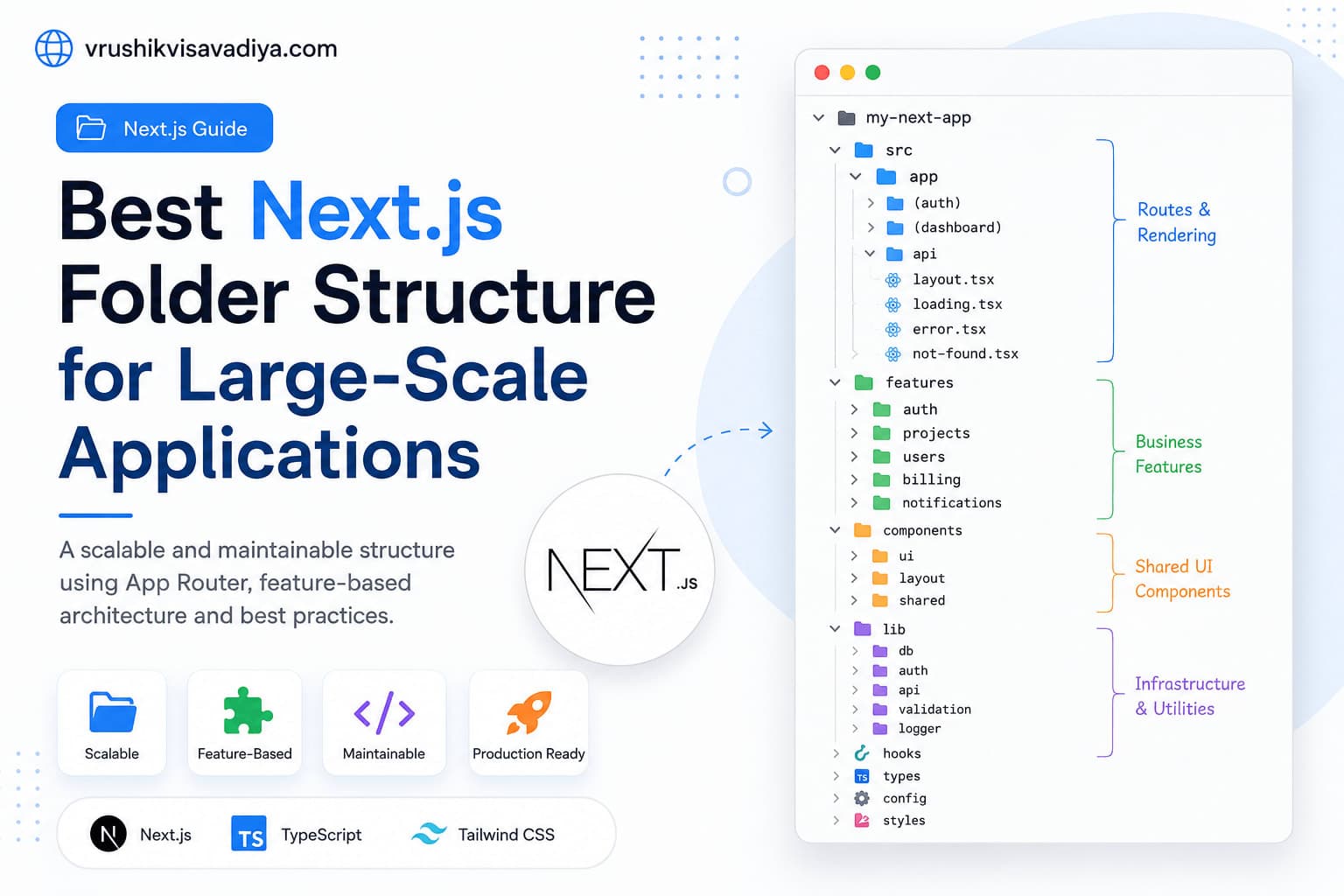
Best Next.js Folder Structure for Large-Scale Applications
A scalable and maintainable Next.js folder structure using the App Router, feature-based architecture, Server Components, shared UI, and clear separation of business logic.

Why Every React Native Developer Should Learn TanStack Query
Managing API calls with useEffect and multiple useState variables quickly becomes difficult as React Native applications grow. In this guide, you'll learn why TanStack Query is the best solution for server state management, how it simplifies data fetching, caching, mutations, and offline support, along with practical examples for production-ready React Native apps.

React Native vs Flutter: Which One Should You Choose for Mobile App Development?
Compare React Native and Flutter in terms of performance, development speed, UI, ecosystem, learning curve, and career opportunities. This comprehensive guide helps developers and businesses choose the right cross-platform framework for their next mobile app.