How to Improve Website Design for Better Engagement

A good website does more than look nice.
It should help users understand your content quickly, stay longer, and take action with confidence.
When people land on a website, they decide in a few seconds whether it feels useful, clear, and trustworthy.
That is why website design plays such a big role in engagement.
In this guide, we’ll look at simple ways to improve your website design so users enjoy the experience and interact more with your content.
Why Website Design Affects Engagement
Design is not just visual styling.
It affects how people move through your site, how fast they understand information, and how easy it is to find what they need.
Good design can help you:
Keep users on the page longer
Reduce confusion
Improve readability
Build trust
Increase clicks and conversions
If users can scan your site easily, they are more likely to stay and explore.
1. Keep Your Layout Clean
A clean layout helps users focus on the content.
Too many elements on one page can make the experience feel busy and overwhelming.
Try to:
Use enough spacing between sections
Keep content grouped logically
Avoid cluttered sidebars and extra distractions
Highlight the most important content first
A simple layout often performs better than a flashy one.
2. Improve Readability
If your content is hard to read, users will leave.
Readable websites are easier to scan and understand.
Use:
Clear font sizes
Good line spacing
Strong contrast between text and background
Short paragraphs
Headings and subheadings to break content into sections
Also avoid long walls of text. Keep each paragraph focused on one idea.
3. Make Navigation Easy
Visitors should never feel lost on your website.
Navigation should be simple, clear, and predictable.
Best practices:
Keep the main menu short
Use familiar labels
Place important links where users expect them
Make the header easy to scan
Add a clear call to action
If people can find what they need quickly, they are more likely to stay engaged.
4. Use Visual Hierarchy
Not every element on a page should feel equally important.
Visual hierarchy helps users understand what to look at first.
You can create hierarchy by using:
Larger headings
Stronger spacing around key sections
Button styles that stand out
Different font weights
Accent colors for important actions
When everything looks the same, users do not know where to look.
5. Make It Mobile Friendly
A large number of users visit websites on mobile devices.
If your design does not work well on small screens, engagement will drop quickly.
Check that:
Text is easy to read on mobile
Buttons are large enough to tap
Sections stack properly
Images scale correctly
Menus are simple to use
Mobile-first design is no longer optional. It is essential.
6. Reduce Loading Friction
Slow websites hurt engagement.
Even a well-designed site can lose users if it feels heavy or delayed.
To improve performance:
Compress images
Avoid unnecessary scripts
Use lazy loading where needed
Keep animations lightweight
Optimize fonts and assets
A faster site feels smoother and more professional.
7. Use Consistent Design Elements
Consistency makes your website feel polished and trustworthy.
When buttons, cards, spacing, and colors follow the same pattern, users learn the interface faster.
Keep these consistent:
Button styles
Heading sizes
Card spacing
Border radius
Color usage
Consistency reduces friction and improves confidence.
8. Add Clear Call to Actions
Every page should guide users toward the next step.
A call to action should be obvious and simple.
Examples:
Read more
Contact us
Get started
View projects
Subscribe now
Place CTAs in important spots, but do not overdo them.
9. Use Better Images and Media
Visual content can make your website more engaging.
But low-quality or irrelevant images can do the opposite.
Choose visuals that:
Match your brand
Support the content
Load quickly
Look professional
Add meaning instead of noise
Avoid using images just for decoration.
10. Test and Improve Regularly
Website design should not stay static forever.
User behavior changes, devices change, and design expectations change too.
You should regularly check:
Which pages people leave quickly
Which sections get the most clicks
Whether mobile users struggle
Whether your CTAs are effective
Small design improvements can lead to better engagement over time.
Final Thoughts
Improving website design is really about making the experience easier, clearer, and more enjoyable for users.
When your layout is clean, your content is readable, your navigation is simple, and your mobile experience works well, engagement naturally improves.
A user-friendly design does not just look better. It helps people stay longer and take action with confidence.
Recommended articles for you.
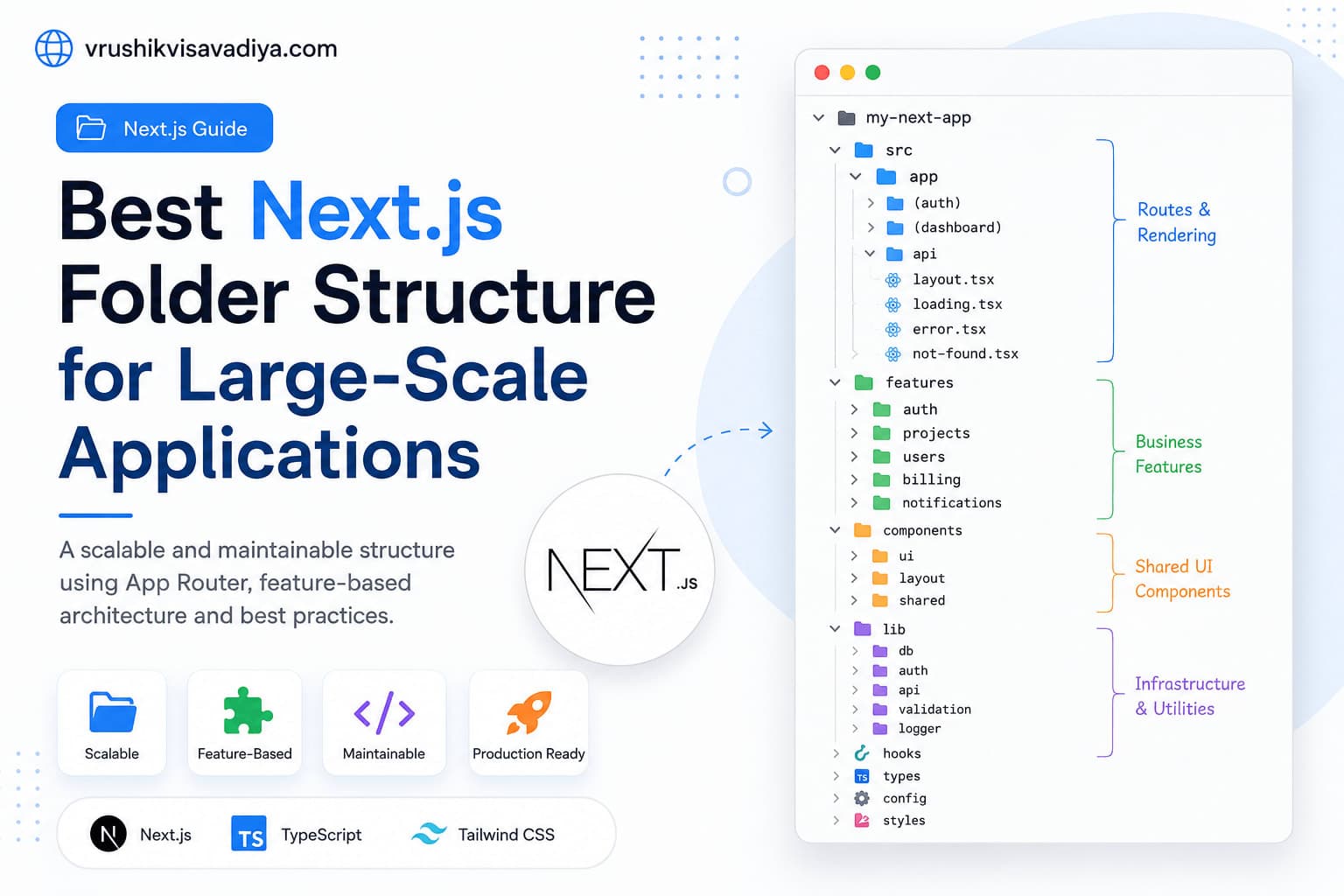
Best Next.js Folder Structure for Large-Scale Applications
A scalable and maintainable Next.js folder structure using the App Router, feature-based architecture, Server Components, shared UI, and clear separation of business logic.

Why Every React Native Developer Should Learn TanStack Query
Managing API calls with useEffect and multiple useState variables quickly becomes difficult as React Native applications grow. In this guide, you'll learn why TanStack Query is the best solution for server state management, how it simplifies data fetching, caching, mutations, and offline support, along with practical examples for production-ready React Native apps.

React Native vs Flutter: Which One Should You Choose for Mobile App Development?
Compare React Native and Flutter in terms of performance, development speed, UI, ecosystem, learning curve, and career opportunities. This comprehensive guide helps developers and businesses choose the right cross-platform framework for their next mobile app.