Mastering JavaScript Promises: A Beginner's Guide to Asynchronous Programming

Introduction
JavaScript Promises are a powerful feature that allows you to handle asynchronous operations more efficiently. In this guide, we will explore what promises are, how they work, and practical examples to understand them better.
What is a Promise?
A Promise is an object representing the eventual completion or failure of an asynchronous operation.
- Pending — Initial state.
- Fulfilled — Operation completed successfully.
- Rejected — Operation failed.
Creating a Promise
const myPromise = new Promise((resolve, reject) => {
  let success = true;

  if (success) {
    resolve('Operation was successful!');
  } else {
    reject('Operation failed!');
  }
});
Using Promises
myPromise
  .then((message) => {
    console.log(message);
  })
  .catch((error) => {
    console.error(error);
  });
Chaining Promises
Promises can be chained together to execute asynchronous tasks sequentially.
firstPromise
  .then((message) => {
    console.log(message);
    return secondPromise;
  })
  .then((message) => {
    console.log(message);
  })
  .catch((error) => {
    console.error(error);
  });
Handling Multiple Promises
Promise.all()
Waits for all promises to complete.
Promise.all([promise1, promise2, promise3])
  .then((values) => {
    console.log(values);
  });
Promise.race()
Returns the first settled promise.
Promise.race([promiseA, promiseB])
  .then((value) => {
    console.log(value);
  });
Conclusion
JavaScript Promises help developers manage asynchronous operations more effectively, making code cleaner, more maintainable, and easier to understand compared to traditional callback-based approaches.
Recommended articles for you.
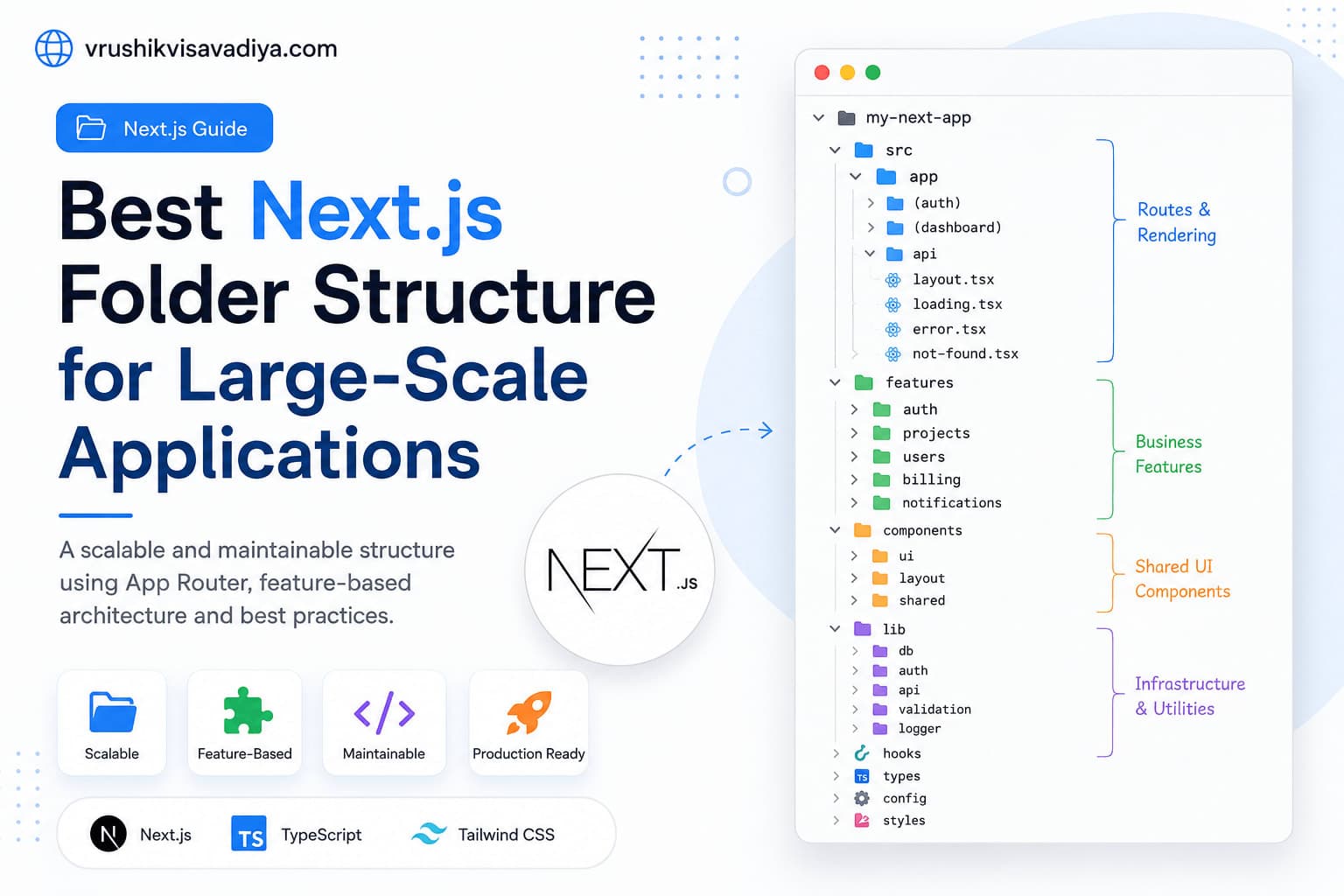
Best Next.js Folder Structure for Large-Scale Applications
A scalable and maintainable Next.js folder structure using the App Router, feature-based architecture, Server Components, shared UI, and clear separation of business logic.

Why Every React Native Developer Should Learn TanStack Query
Managing API calls with useEffect and multiple useState variables quickly becomes difficult as React Native applications grow. In this guide, you'll learn why TanStack Query is the best solution for server state management, how it simplifies data fetching, caching, mutations, and offline support, along with practical examples for production-ready React Native apps.

React Native vs Flutter: Which One Should You Choose for Mobile App Development?
Compare React Native and Flutter in terms of performance, development speed, UI, ecosystem, learning curve, and career opportunities. This comprehensive guide helps developers and businesses choose the right cross-platform framework for their next mobile app.