Understanding TypeScript Utility Types with Real Examples
If you’ve been using TypeScript for a while, you’ve probably written repetitive types — like copying an interface just to make all fields optional or removing one key from another type.
That’s where TypeScript Utility Types come in. They’re built-in helpers that let you transform existing types instead of creating new ones from scratch.
In this post, we’ll explore the most useful ones — with real examples you can instantly apply in your React, Next.js, Node.js, or MERN projects.
🔧 1. Partial<Type> — Make All Properties Optional
The Partial utility type turns all properties of a given type into optional.
interface User {
  id: number;
  name: string;
  email: string;
}

type UpdateUser = Partial<User>;

const updateUser: UpdateUser = {
  name: "John",
};
🟢 When to use:
When creating update forms or API payloads that don’t require all fields.
✂️ 2. Pick<Type, Keys> — Select Specific Properties
Pick lets you choose only certain properties from a type.
interface User {
  id: number;
  name: string;
  email: string;
  password: string;
}

type PublicUser = Pick<User, "id" | "name">;

const user: PublicUser = {
  id: 1,
  name: "John",
};
🟢 When to use:
When exposing only public data and hiding sensitive fields.
🚫 3. Omit<Type, Keys> — Exclude Certain Properties
The opposite of Pick. It creates a type by omitting specific properties.
type SafeUser = Omit<User, "password">;

const safeUser: SafeUser = {
  id: 1,
  name: "john",
  email: "john@example.com",
};
🟢 When to use:
When you want to reuse an existing type but hide specific fields.
🔒 4. Readonly<Type> — Prevent Modification
Marks all properties of a type as read-only.
interface Config {
  apiUrl: string;
  version: number;
}

const config: Readonly<Config> = {
  apiUrl: "https://api.example.com",
  version: 1,
};

// ❌ Error: Cannot assign to 'apiUrl' because it is a read-only property.
config.apiUrl = "https://new-api.example.com";
🟢 When to use:
For constant configurations or immutable settings.
🗂️ 5. Record<Keys, Type> — Create an Object Type Dynamically
The Record utility constructs an object type with a set of keys and a uniform type.
type Roles = "admin" | "user" | "guest";

const permissions: Record<Roles, boolean> = {
  admin: true,
  user: true,
  guest: false,
};
🟢 When to use:
When mapping a fixed set of keys to values.
🧩 6. Required<Type> — Make All Properties Mandatory
Turns all properties of a type into required fields.
interface Settings {
  theme?: string;
  language?: string;
}

type StrictSettings = Required<Settings>;

const settings: StrictSettings = {
  theme: "dark",
  language: "en",
};
🟢 When to use:
When you want to enforce that all fields must exist.
🧰 Bonus: Combine Utility Types
You can mix utility types together for more advanced transformations.
type UserPreview = Readonly<Pick<User, "id" | "name">>;

const userPreview: UserPreview = {
  id: 1,
  name: "John",
};

// userPreview.id = 2 ❌ Error (readonly)
🟢 When to use:
When you need fine-grained control over type transformations.
Quick Recap
| Utility Type | Purpose |
|---|---|
Partial<T> | Make all properties optional |
Pick<T, K> | Select specific keys |
Omit<T, K> | Exclude specific keys |
Readonly<T> | Make all properties immutable |
Record<K, T> | Create a type with specific keys and value types |
Required<T> | Make all properties required |
Utility types are small but powerful tools that make TypeScript development cleaner, safer, and more scalable.
Once you start using them regularly, you’ll rarely need to rewrite repetitive interfaces again.
If you enjoyed this guide, check out more tutorials on my portfolio blog 🚀
Recommended articles for you.
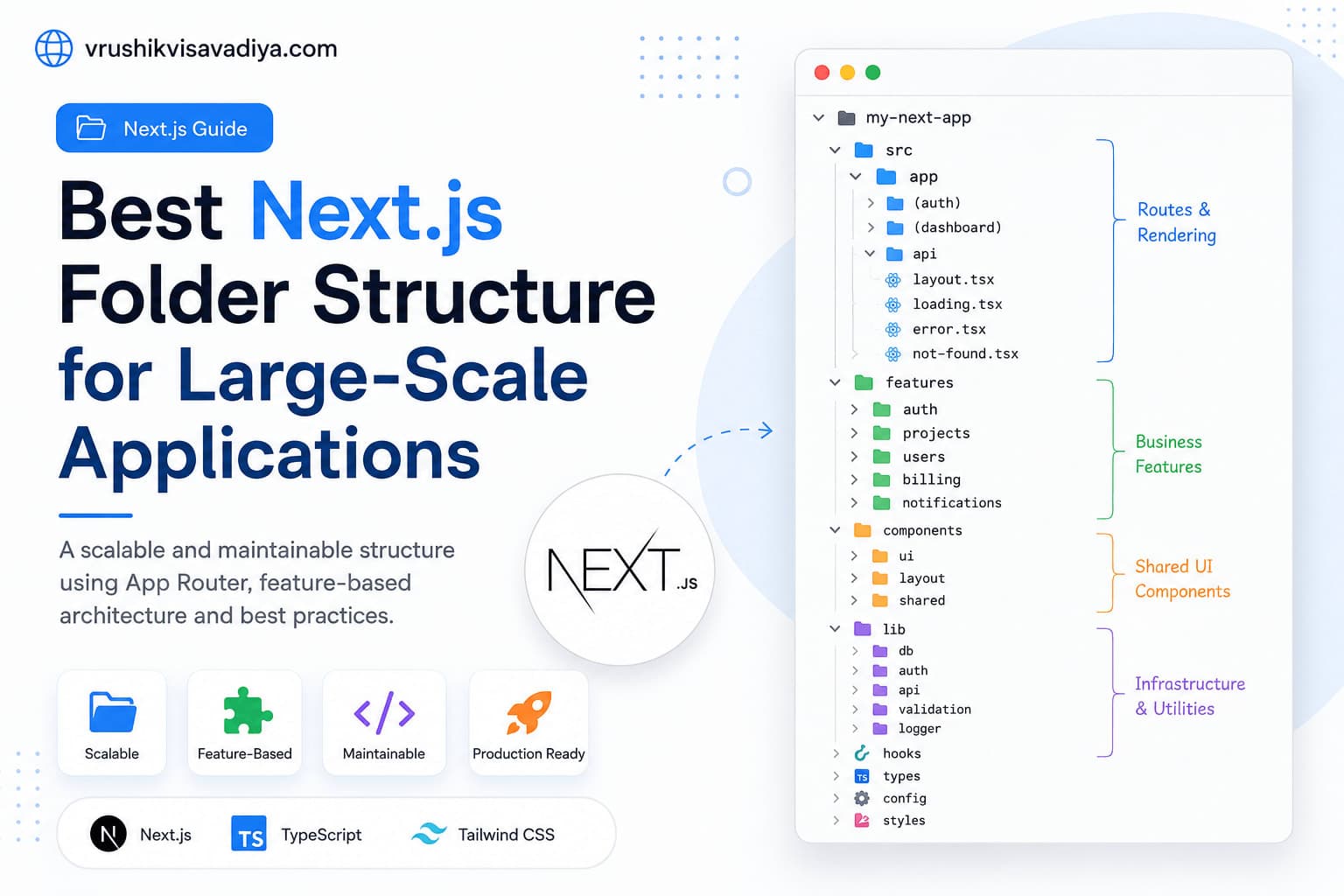
Best Next.js Folder Structure for Large-Scale Applications
A scalable and maintainable Next.js folder structure using the App Router, feature-based architecture, Server Components, shared UI, and clear separation of business logic.

React Native vs Flutter: Which One Should You Choose for Mobile App Development?
Compare React Native and Flutter in terms of performance, development speed, UI, ecosystem, learning curve, and career opportunities. This comprehensive guide helps developers and businesses choose the right cross-platform framework for their next mobile app.

Top 20 JavaScript Interview Questions
A practical guide covering the top 20 JavaScript interview questions every developer should understand, including closures, event loop, promises, async/await, and modern JavaScript concepts.