Top Git Commands Every Developer Should Know
Git is one of the most powerful tools in a developer’s toolkit, yet it can feel intimidating to beginners. But don’t worry! In this blog, we’ll break down Git in a way that makes it easy to understand while also sharing some pro tips to boost your workflow.
Why Should You Care About Git?
If you’ve ever worked on a project that needed to keep track of changes, collaborate with others, or roll back to a previous version, Git is your best friend.
- Track changes efficiently
- Collaborate seamlessly
- Prevent lost code
- Experiment safely
Getting Started with Git
sudo apt install git
brew install git
After installation, configure your identity:
git config --global user.name "Your Name"
git config --global user.email "your.email@example.com"
Essential Git Commands
1. Initializing a Repository
git init2. Checking Status
git status3. Adding Files
git add file.txt
git add .
4. Commit Changes
git commit -m "Added a new feature"5. Push to GitHub
git remote add origin https://github.com/yourusername/repository.git
git branch -M main
git push -u origin main
6. Pull Changes
git pull origin mainAdvanced Git Features
Stashing Changes
git stash
git stash apply
Interactive Rebase
git rebase -i HEAD~3Git Bisect
git bisect start
git bisect bad
git bisect good commit_hash
Cherry Pick
git cherry-pick commit_hashSigned Commits
git commit -S -m "Secure commit"Common Mistakes to Avoid
- Forgetting to pull before pushing
- Not using branches
- Writing unclear commit messages
- Deleting files without Git tracking
Pro Tips
git config --global alias.st status
git config --global alias.cm "commit -m"
git reset --soft HEAD~1git pull --rebase origin mainMastering Git improves collaboration, keeps your projects organized, and makes development workflows much smoother.
Recommended articles for you.
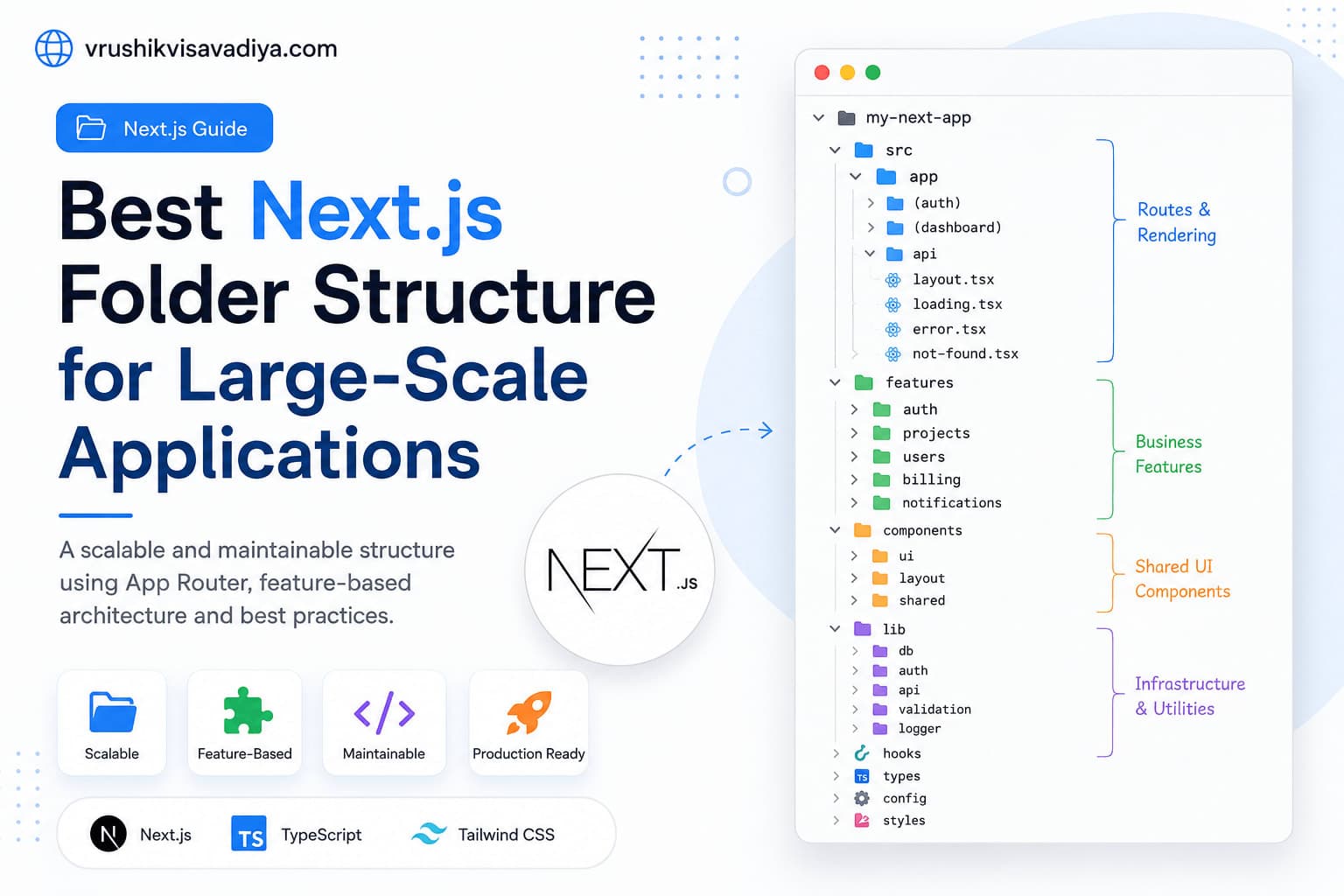
Best Next.js Folder Structure for Large-Scale Applications
A scalable and maintainable Next.js folder structure using the App Router, feature-based architecture, Server Components, shared UI, and clear separation of business logic.

Why Every React Native Developer Should Learn TanStack Query
Managing API calls with useEffect and multiple useState variables quickly becomes difficult as React Native applications grow. In this guide, you'll learn why TanStack Query is the best solution for server state management, how it simplifies data fetching, caching, mutations, and offline support, along with practical examples for production-ready React Native apps.

React Native vs Flutter: Which One Should You Choose for Mobile App Development?
Compare React Native and Flutter in terms of performance, development speed, UI, ecosystem, learning curve, and career opportunities. This comprehensive guide helps developers and businesses choose the right cross-platform framework for their next mobile app.